



The best way to find out graphic card's components
If we take into account the amount of graphic cards that have been launched over the years, it seems almost incredible that the vast majority of companies that designed graphic processors have disappeared, with now only ATI and NVIDIA as the two main companies, and with other companies like Intel that only produce graphic processors that are integrated into the motherboard.
The best program to analyze your graphics card
Despite the fact that all graphic cards use a GPU (Graphic Processing Unit) produced by ATI or NVIDIA, the graphic card manufacturer doesn't necessarily have to be one company or the other, because there are many more like PowerColor, GIGABYTE or ZOTAC that use the GPUs produced by the two big companies to make their own cards.
Get to know even the slightest detail about your graphic card.
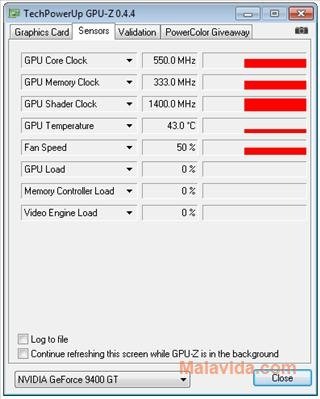
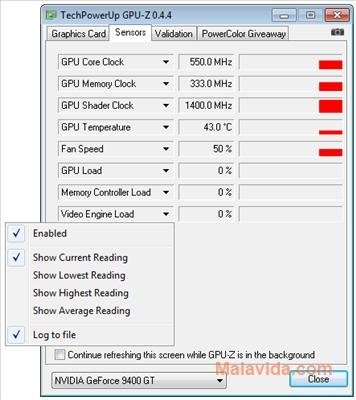
Due to this, it's always advisable to have an application like GPU-Z to know exactly all the components of our graphic card, and the performance that we can expect from it. We'll only have to launch the application and it will show us a detailed report with the name of the card, the processor type and manufacturer, the BIOS version, the card manufacturer, the BUS interface, etc.
 Antony Peel
A Telecommunications Engineer, chance led me to the translation industry, where after a few years, I discovered another side of the world of technology while translating what others were writing about mobile applications and software. That...